 Ratatype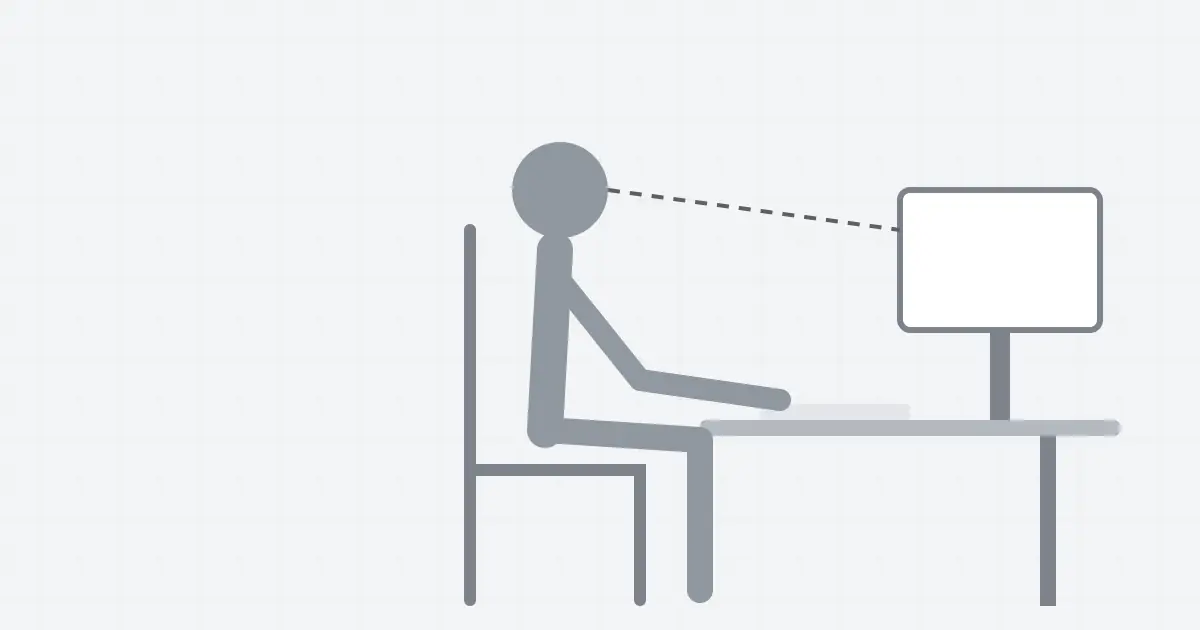
Posture is easy to ignore until something hurts. A good setup makes every practice session more comfortable and helps you avoid the wrist, neck and shoulder strain that slows many typists down.
Chair and feet
Adjust your chair so your feet rest flat on the floor and your knees are at about the same height as your hips. If your feet do not reach, use a footrest or a sturdy box. Sit back in the chair so your lower back is supported.
Desk and keyboard
Your elbows should bend at roughly a right angle with the forearms close to level. If the desk is too high, raise the chair and support your feet. Keep the keyboard close so you do not reach forward, and keep it flat or only slightly tilted.
Wrists
Keep your wrists straight and slightly raised while you type. Do not rest them hard on the desk edge. A soft wrist rest is fine for pauses, but not as an anchor while typing.
Screen
Place the top of the screen at or slightly below eye level and about an arm's length away. A screen that is too low pulls your head forward, which builds neck tension over a session.
Laptops
Laptops force a compromise between screen height and keyboard height. For longer sessions, raise the laptop on a stand and use a separate keyboard. If that is not possible, take more frequent breaks.
Breaks
Every twenty to thirty minutes, stand up, roll your shoulders and look at something far away. Short breaks protect your body and also help the skill settle in.
A 10-second check before each session
- Feet flat, back supported.
- Shoulders down and loose.
- Elbows near a right angle.
- Wrists straight, fingers curved on the home row.
- Eyes on the screen.
Keep reading
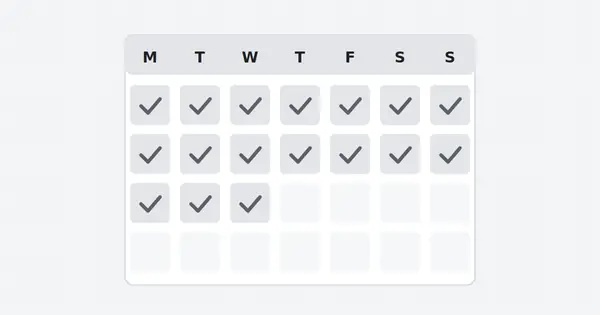
A 30-day typing practice plan
Thirty days of short, focused sessions is enough to change how you type. Here is the schedule.
Read full guide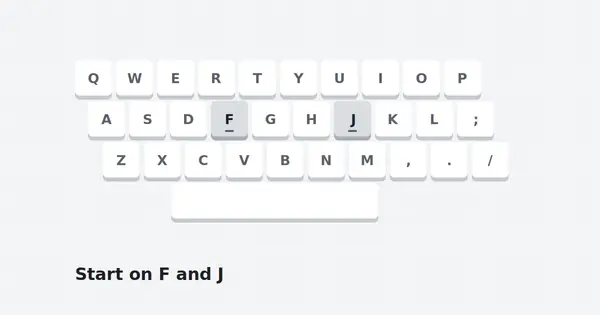
How to start touch typing with Ratatype
Your first week with a typing tutor decides whether the habit sticks. Here is a calm, realistic way to begin.
Read full guide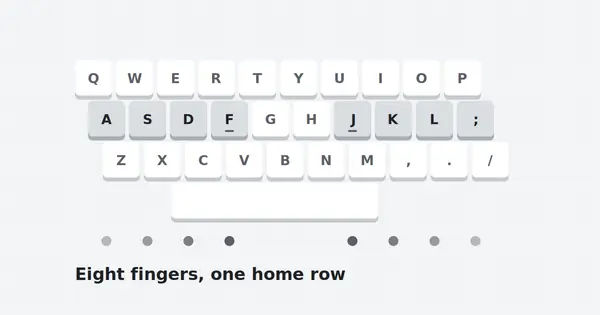
Correct finger placement on the home row
Every fast typist relies on the same eight resting points. Learn them once and every lesson gets easier.
Read full guide